
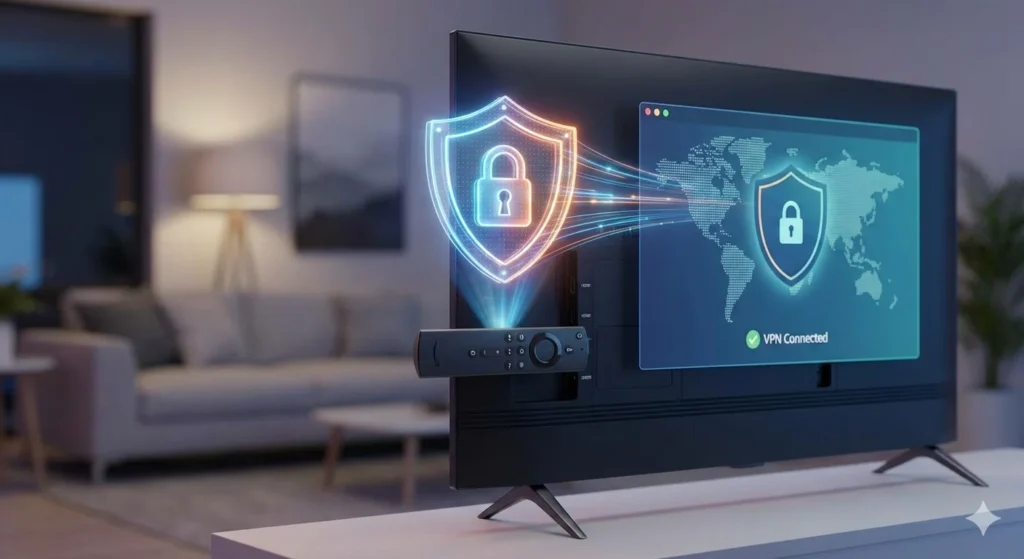
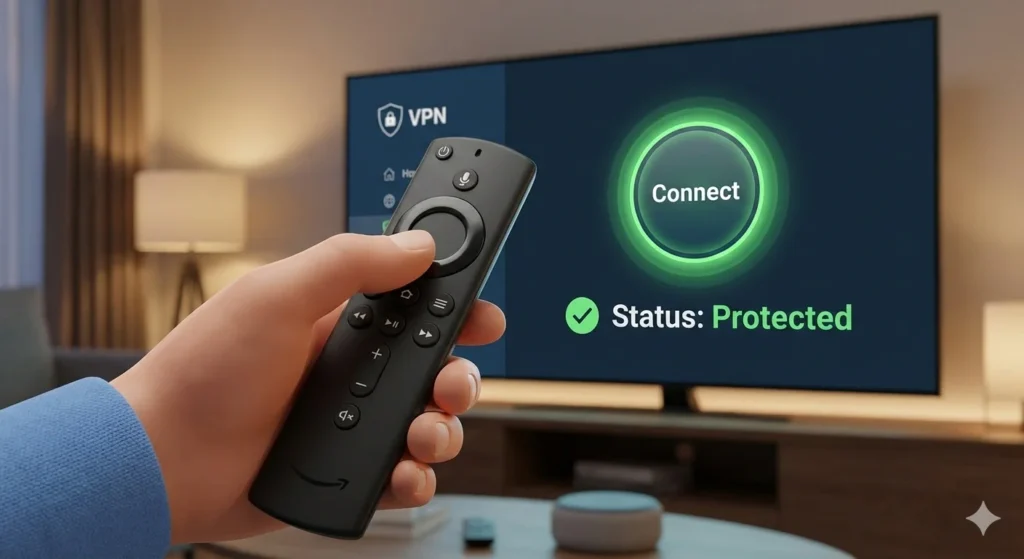
Streaming your favorite movies and TV shows on an Amazon FireStick is one of the best ways to enjoy home entertainment. However, without a Virtual Private Network (VPN), you are missing out on a world of content and leaving your data exposed to your ISP. Learning how to set up a VPN on FireStick is the single most important step you can take to enhance your streaming experience in 2026.
Whether you want to bypass geo-restrictions on Netflix, avoid ISP throttling, or keep your browsing habits private, a VPN is the solution. In this comprehensive guide, we will walk you through three different methods to get your VPN up and running in minutes.
Why You Need a VPN for Your Amazon Fire TV Device
Before we dive into the “how-to,” it is vital to understand the “why.” Your FireStick uses your home IP address, which reveals your physical location to every app you use.
| Feature | Without VPN | With VPN |
| Privacy | ISP tracks every stream | ISP sees only encrypted data |
| Content Access | Limited to your region | Access global libraries (US, UK, Japan) |
| Speed | Vulnerable to ISP throttling | Prevents bandwidth limiting |
| Security | Exposed on public/shared Wi-Fi | AES-256 military-grade encryption |
By mastering how to set up a VPN on FireStick, you effectively turn your device into a powerhouse of global entertainment while maintaining total anonymity.
Method 1: How to Set Up a VPN on FireStick Using the Amazon Appstore
This is the easiest and most recommended method for 99% of users. Most premium VPN providers like NordVPN, ExpressVPN, and Surfshark have native apps specifically designed for the Fire OS interface.
Step 1: Sign Up for a VPN Service
Before touching your FireStick, create an account with a reputable provider. We recommend choosing a service that offers high-speed servers and a “no-logs” policy.
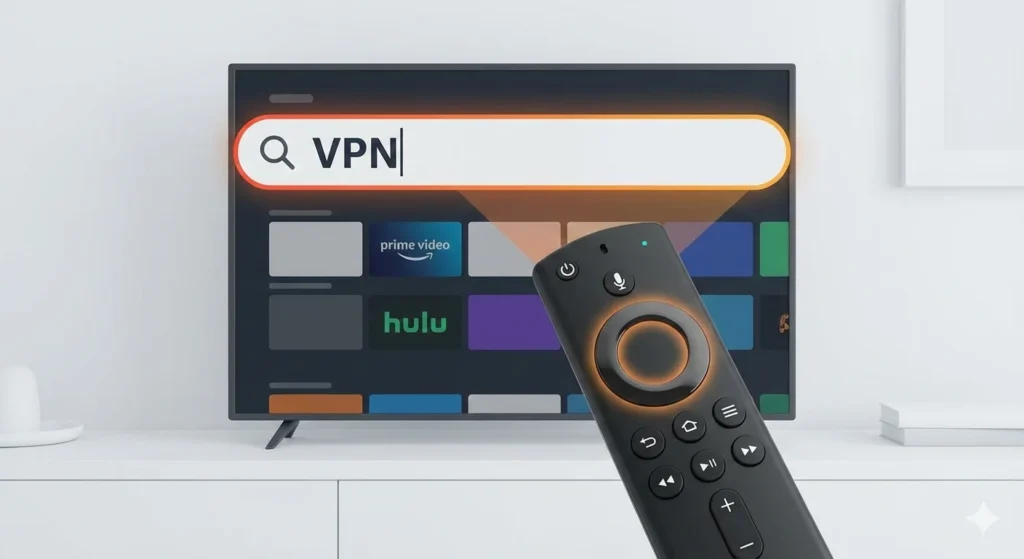
Step 2: Search for the App
- From the FireStick Home screen, navigate to Find.
- Click on the Search bar.
- Type the name of your VPN (e.g., “ExpressVPN”).
- Select the app from the results.
Step 3: Download and Install
- Click the Get or Download button.
- Wait for the installation to finish (usually under 30 seconds).
- Click Open to launch the application.
Step 4: Sign In and Connect
- Enter your login credentials.
- Follow the on-screen prompts to allow the VPN to create a “Connection Request” (Click OK).
- Select a server location and click Connect.
Pro Tip: Once connected, the app will run in the background. You can return to your favorite streaming apps, and your connection will remain secure.
Method 2: How to Set Up a VPN on FireStick via Sideloading (APK Method)
If your chosen VPN does not have a native app in the Amazon Appstore, you can “sideload” the Android version using an APK file. This is a common practice for advanced users and niche VPN providers.
Step 1: Prepare Your FireStick for Sideloading
To install apps from outside the official store, you must adjust your security settings:
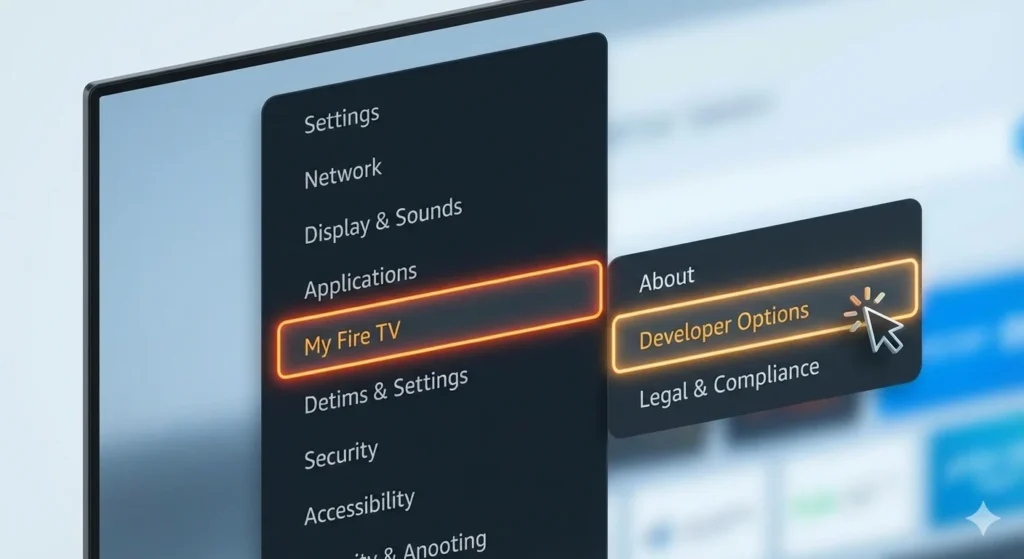
- Go to Settings (the gear icon) on the home screen.
- Select My Fire TV.
- Choose Developer Options.
- Note: If you don’t see this, go to About > Fire TV Stick and click the name 7 times to unlock Developer Mode.
- Enable Apps from Unknown Sources.
Step 2: Install the Downloader App
- Go back to the Find menu and search for “Downloader.”
- Install and open the app.
- Grant the app permission to access your files.
Step 3: Download the VPN APK
- In the Downloader app, enter the direct URL for your VPN’s APK file (available on the provider’s official website).
- Click Go to start the download.
- Once finished, click Install.
Step 4: Open and Configure
Since these apps aren’t always optimized for a remote, you may need to use a “Mouse Toggle” app to navigate. Login and connect to your server as usual.
Method 3: Setting Up a VPN on Your Router
If you have a 1st Gen FireStick (which doesn’t support VPN apps) or want to protect every device in your home simultaneously, you can install the VPN directly onto your router.
- Check Compatibility: Ensure your router supports VPN firmware (like DD-WRT or Tomato) or has a built-in VPN client.
- Access Router Settings: Log in to your router’s admin panel via your computer browser.
- Enter VPN Credentials: Follow your provider’s specific guide to enter the OpenVPN or WireGuard configuration details.
- Connect FireStick: Simply connect your FireStick to the Wi-Fi. Since the router is encrypted, the FireStick is automatically protected.
🚀 Ready to Unlock 40,000+ Channels in 4K?
Now that your FireStick is secure and private, don’t waste it on limited content libraries. Get instant access to our Premium IPTV Service—featuring 20,000+ live channels, every major sports package, and a massive VOD library with zero buffering.
👉 Click Here to Start Your IPTV Trial Today! Stop overpaying for cable and start streaming the smart way..
Best VPNs for FireStick in 2026
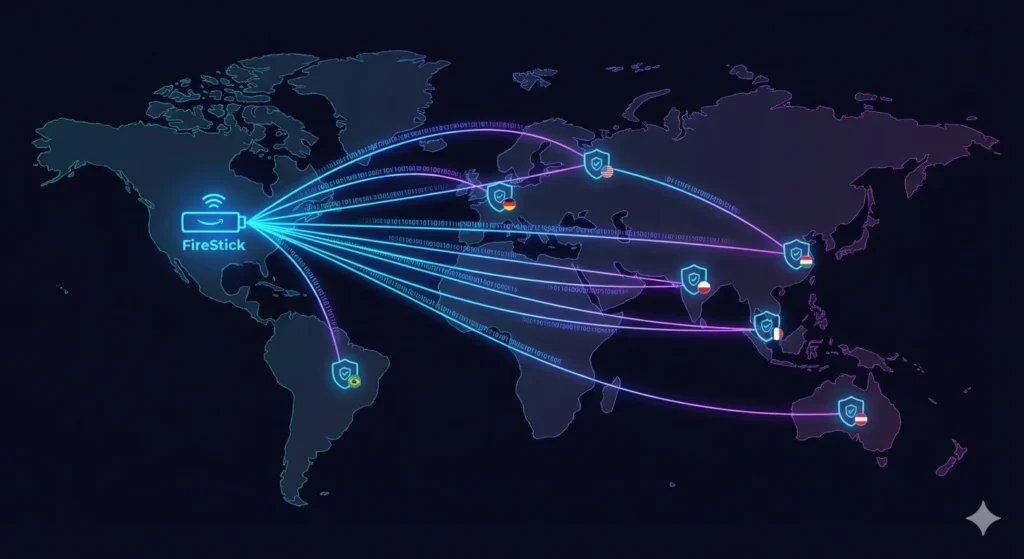
Not all VPNs are created equal. For a smooth 4K streaming experience, you need a provider with low latency and specialized streaming servers.
| VPN Provider | Best For | Key Feature |
| NordVPN | Speed & Security | NordLynx Protocol |
| ExpressVPN | Ease of Use | MediaStreamer (Smart DNS) |
| Surfshark | Budget / Families | Unlimited Device Connections |
| IPVanish | Customization | Native Fire TV optimization |
Troubleshooting: Why Is My VPN Not Working on FireStick?
Even after learning how to set up a VPN on FireStick, you might encounter occasional hiccups. Here are the most common fixes:
- Check Your Generation: 1st Generation FireSticks do not support VPN apps. Upgrade to a 4K or Max version for the best results.
- Clear App Cache: Go to Settings > Applications > Manage Installed Applications > [Your VPN] and click Clear Cache.
- Change Protocols: If a connection fails, switch from OpenVPN to WireGuard or IKEv2 within the VPN app settings.
- Restart Everything: Unplug your FireStick and your router for 60 seconds to refresh the connection.
If you are looking for more entertainment options after securing your device, see our list of the best streaming services for 2026.
Frequently Asked Questions (FAQ)
Is it legal to use a VPN on FireStick?
Yes, using a VPN is legal in most countries, including the US, UK, and Canada. It is a tool for privacy and security. However, using a VPN to engage in illegal activities or copyright infringement is still against the law. Always check local regulations.
Will a VPN slow down my streaming speed?
A VPN can cause a slight drop in speed (usually 10-20%) due to the encryption process. However, if your ISP is actively throttling your connection when they detect video streaming, a VPN can actually increase your speeds by bypassing those restrictions.
Can I use a free VPN on my FireStick?
While possible, it is not recommended. Free VPNs often have data caps, limited server options, and may sell your browsing data to third parties. For high-quality 4K streaming, a premium VPN is a much safer and more reliable investment.
Final Thoughts and Next Steps
Learning how to set up a VPN on FireStick is a game-changer for any cord-cutter. It provides the privacy you deserve and the freedom to access content from any corner of the globe. By following the steps above, you can secure your device in less than five minutes.