
How to Fix EPG on IPTV: A Simple Guide for IPTV Smarters Pro Last Update
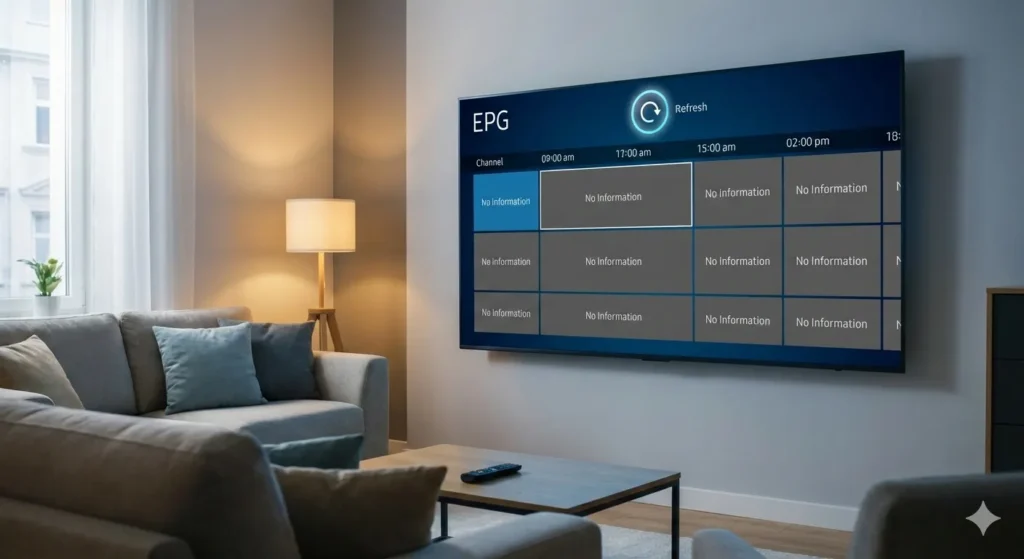
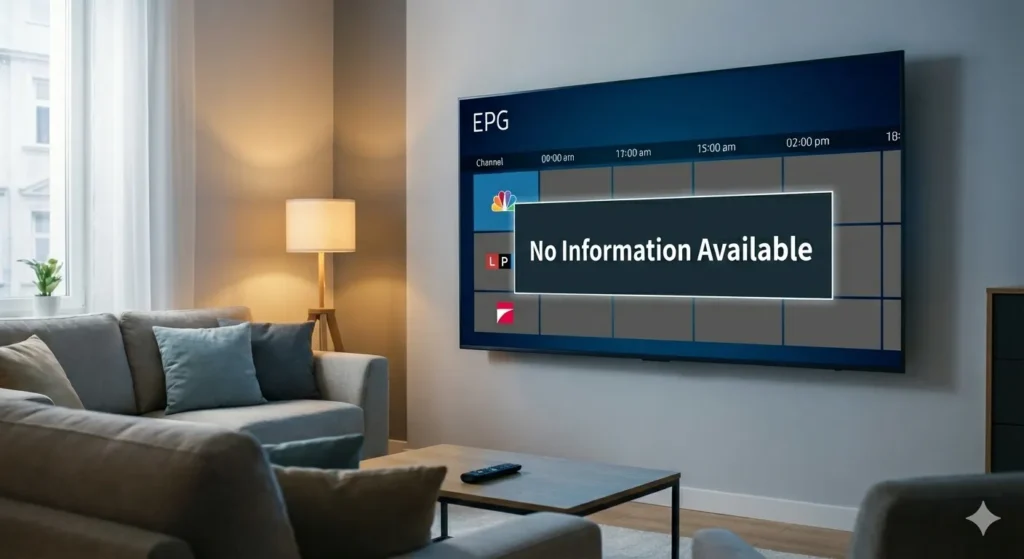
Nothing ruins a weekend movie marathon like opening your favorite streaming app and seeing “No Information” across every channel. If you are wondering how to fix EPG on IPTV, you aren’t alone. The Electronic Program Guide (EPG) is the heartbeat of the IPTV experience, providing the schedule, show descriptions, and timing for your content.
In this guide, we will walk through the exact steps to restore your TV guide, specifically focusing on the IPTV Smarters Pro last update, which remains the most popular choice for viewers worldwide.
What Causes EPG Issues on IPTV?
Before we dive into the solutions, it is important to understand why the guide disappears. Common reasons include:
- Outdated Data: The app hasn’t synced with the server recently.
- Incorrect EPG URL: The source link provided by your service provider is broken or entered incorrectly.
- Cache Overload: Temporary files in your device are preventing new data from loading.
- Time Zone Mismatch: Your device time doesn’t match the server time, causing the guide to show “No Info.”
How to Fix EPG on IPTV: Step-by-Step Solutions
1. Refresh EPG Sources Manually
The most common fix is a simple manual refresh. Apps like IPTV Smarters Pro don’t always auto-update the guide data upon launch.
- Open your IPTV Smarters Pro app.
- Navigate to the Settings icon.
- Select EPG Sources or Install EPG.
- Click on Refresh EPG. Wait for the progress bar to reach 100%.
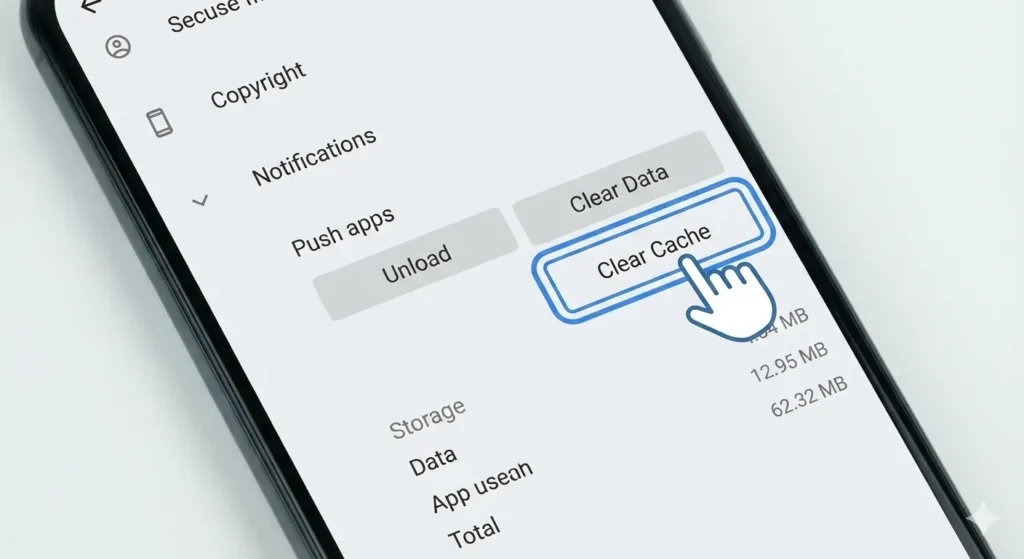
2. Clear App Cache and Data
If the refresh fails, your device might be holding onto “corrupt” temporary data. Clearing the cache forces the app to pull a fresh version of the guide.
| Device | How to Clear Cache |
| Android TV/Firestick | Settings > Apps > IPTV Smarters > Clear Cache |
| Android Phone | Settings > Storage > Apps > Clear Cache |
| iOS | Reinstall the app (iOS handles cache differently) |
Advanced Troubleshooting for Other IPTV Players
While Smarters Pro is popular, you might be using TiviMate or OTT Navigator. Here is how to fix EPG on IPTV for advanced players:
- Increase EPG Update Frequency: In TiviMate settings, set the EPG to update every 2 hours instead of 24.
- Check Storage Space: If your Firestick is at 99% capacity, it cannot download the EPG file, which is often several megabytes. Delete unused apps.
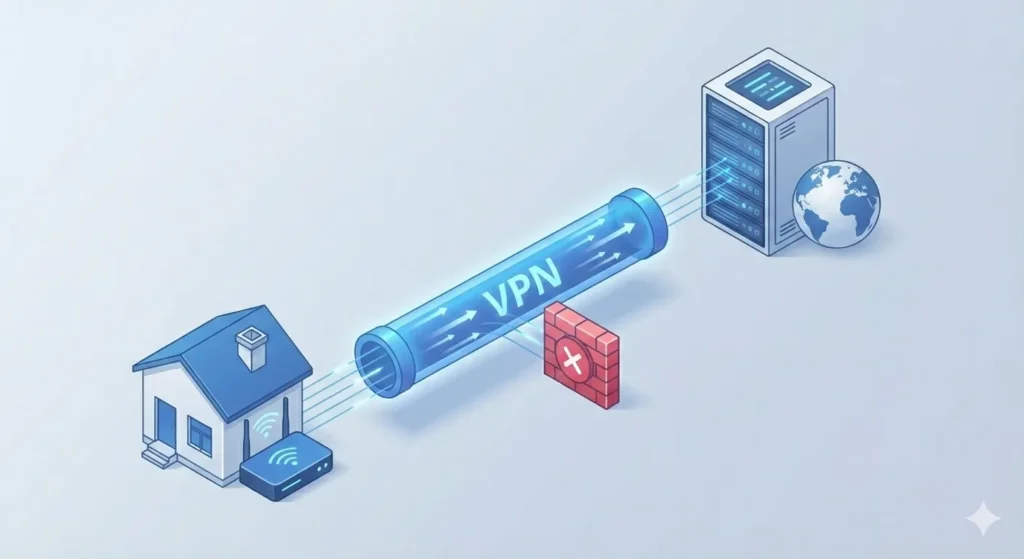
- VPN Interference: Sometimes, ISPs block the EPG server. Try turning your VPN on (or off) to see if the data populates.
FAQs: How to Fix EPG on IPTV
Why does my IPTV say “No Information”?
This usually happens because the EPG data hasn’t been downloaded or the source URL is incorrect. To resolve this, go to your app settings and manually “Refresh EPG.” Ensure your internet connection is stable, as EPG files can be large.
Does IPTV Smarters Pro update the EPG automatically?
Not always. Depending on your version and settings, you may need to enable “Auto-update EPG on app launch” in the settings menu. If you are using an older version, manual updates are required every few days.
Why is the EPG time wrong?
If the program guide shows the correct shows but at the wrong times, you need to adjust the “EPG Time Offset” in your player settings. Usually, setting it to $+00:00$ or matching your local GMT offset will fix the alignment.
Is there a free EPG source I can use?
Most IPTV providers include an EPG link. However, if yours doesn’t, there are third-party XMLTV providers. Be cautious, as free sources are often less reliable than the one provided by your subscription service.
Summary of Fixes
- Manual Refresh: Always the first step.
- Clear Cache: Removes corrupted guide data.
- Check Time Zone: Ensures the guide aligns with your local clock.
- Update App: Ensure you are using the IPTV Smarters Pro last update for better compatibility.
Stop Troubleshooting and Start Watching!
Don’t let the next IPTV Smarters Pro update leave you with a blank screen. Join our community of cord-cutters to get instant alerts on IPTV fixes, guide updates, and the best streaming tips sent straight to your inbox.